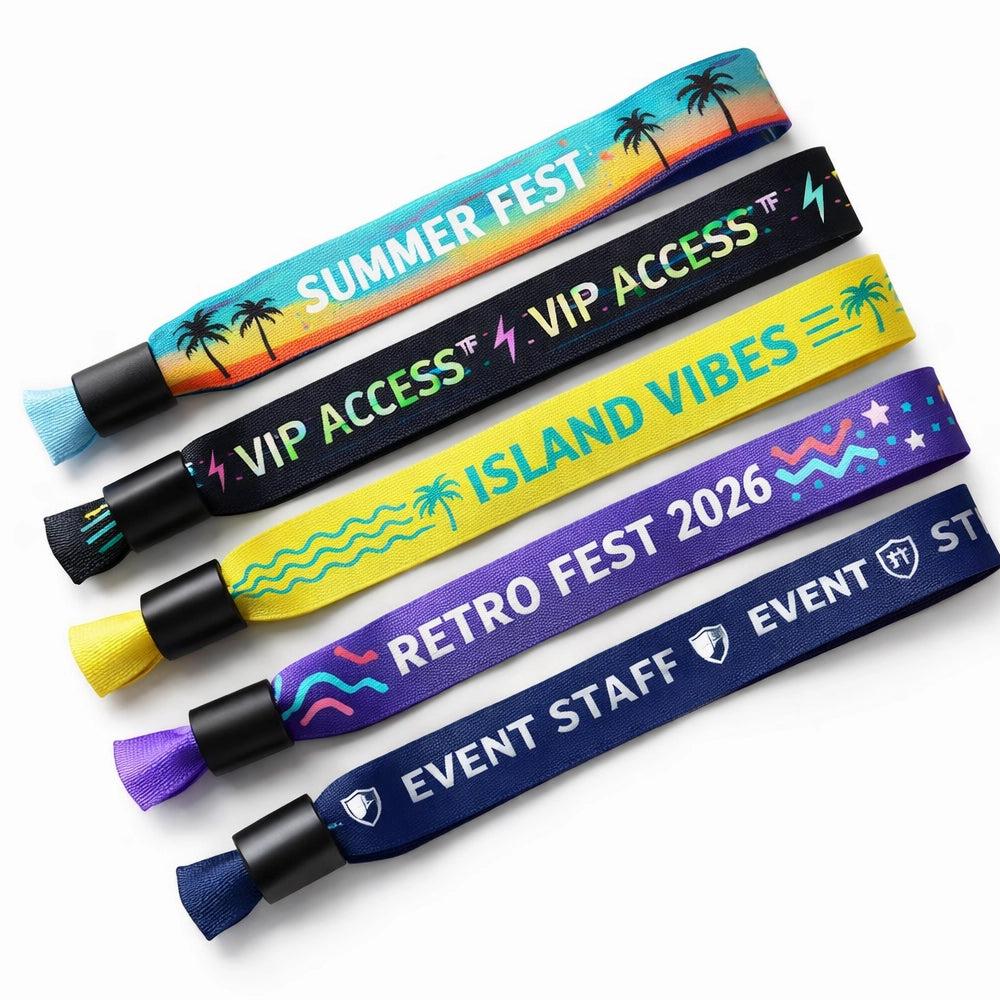
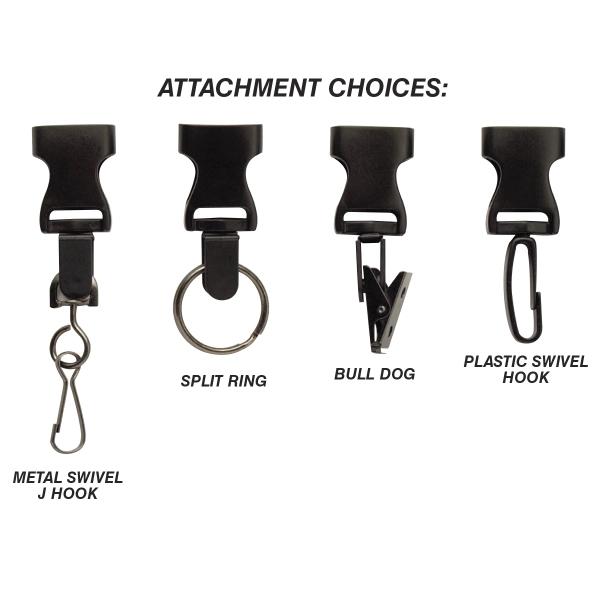
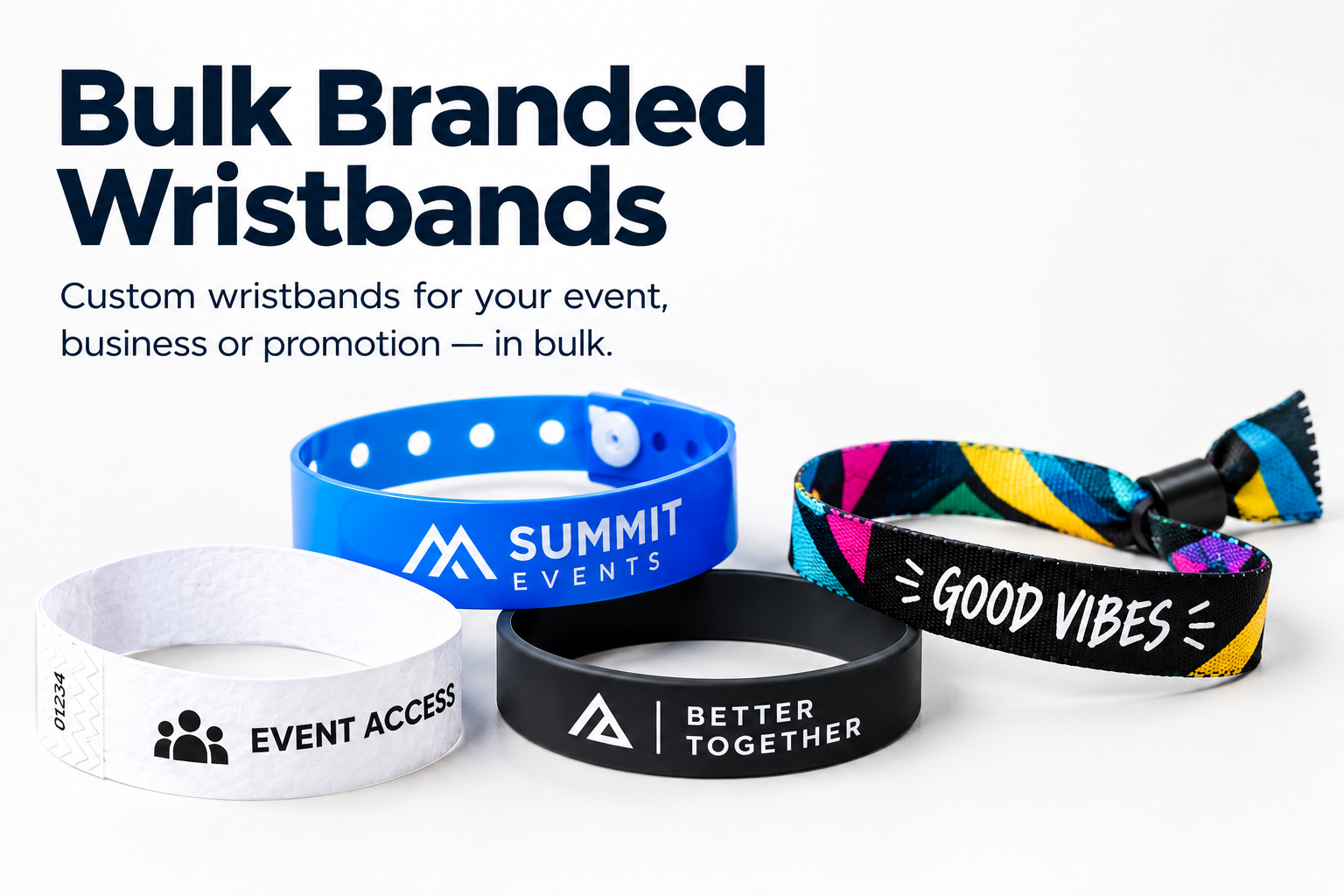
When ordering custom printed event wristbands, lanyards, or promotional merchandise, submitting a low-resolution logo trapped inside a white JPEG box slows down production proofing. Event planners use PhotoScape to remove white backgrounds and verify exact colour codes before uploading artwork to the printer.
Artwork Pre-Flight Checklist for Custom Merchandise
- Transparent PNG Cutouts: Use the Magic Eraser in the Cut Out tab to strip solid white backgrounds around club or sponsor logos and save as 32-bit PNG.
- Exact Colour Matching: Sample your sponsor’s primary colour with the Color Picker eyedropper so your order notes include the exact
#HEXand RGB values.